For shows, conferences, weddings and events
Every phone locked at the door. No pouches.
Guests tap their phone on a tag or scan a code at the entrance and their own phone locks for the event. Your staff see, by seat, the moment one unlocks.
Talk to us about your event
100 to 5,000 guestsOne event, one tap per guest. Built for full rooms, not tables of four.
Seen by seatStaff get “Seat B-14 broke the seal” on their phone, with Warn and Remove buttons.
Nothing to hand outNo pouches to buy, unlock or lose. Guests keep their own phone in their pocket.
Where it fits
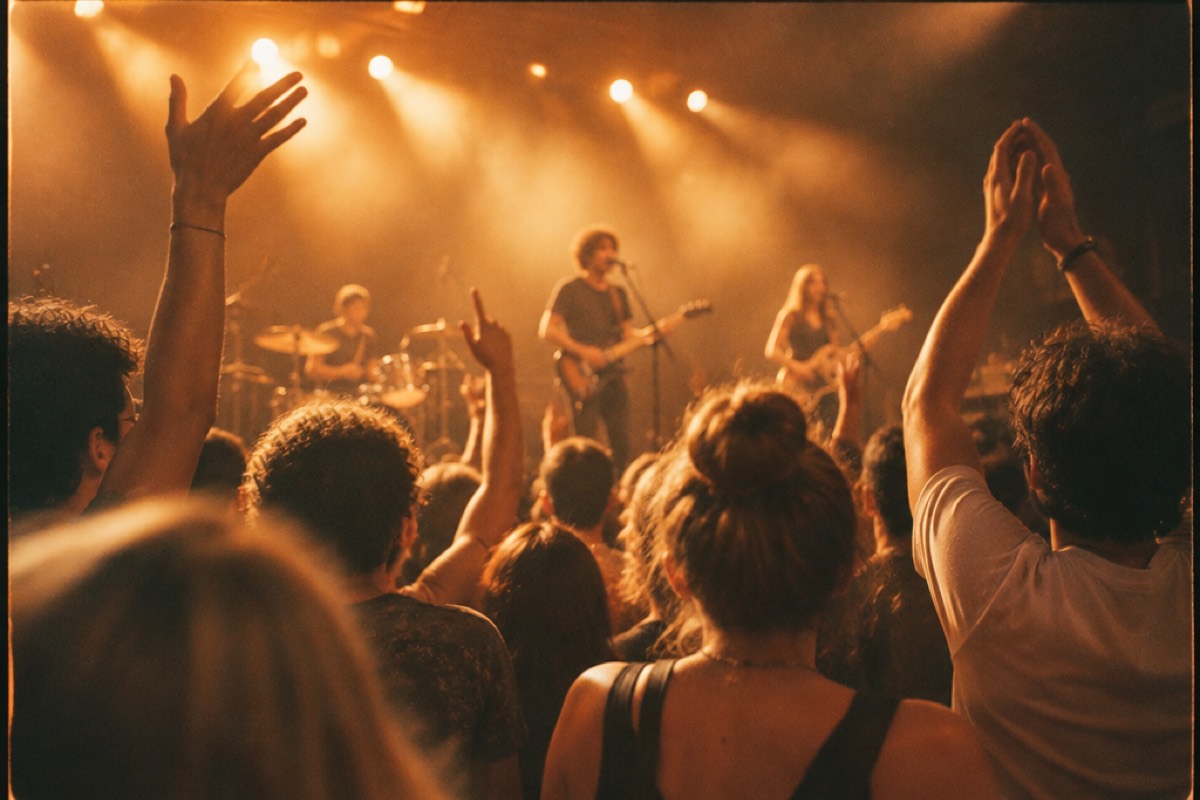
Concerts & showsA crowd that watches the band, not their screens. No forest of phones between the stage and the back row.

Comedy clubsNew material stays in the room. Nobody films the set, and everybody laughs louder.

Conferences & keynotesA full room that hears the talk. Sessions people remember, not ones they half-heard between notifications.
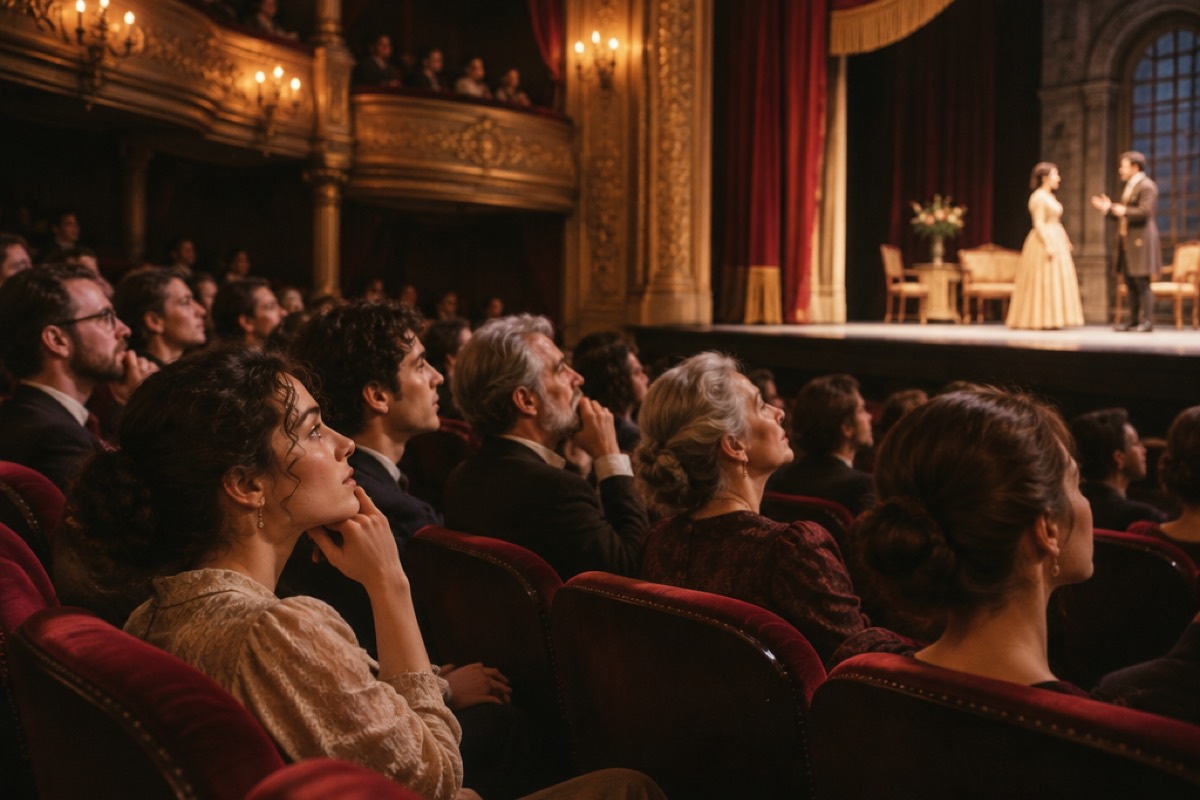
TheatreNo glowing screens in the dark and no recordings of the show. Just the stage.

WeddingsAn unplugged day without the awkward announcement. Your photographer gets faces, not phones.
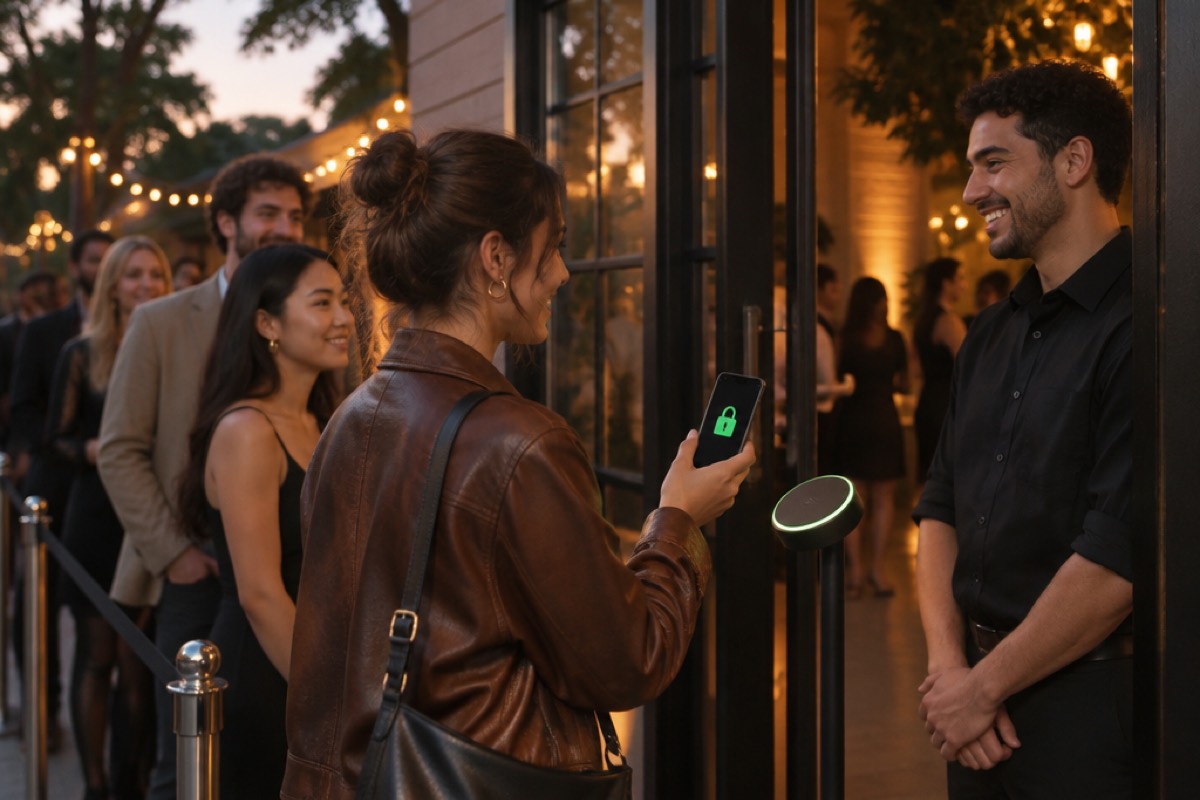
Private events & launchesGuests lock at the door and show staff their pass. What happens inside stays inside.
How it works on the night
Send your ticket listUpload the export from your ticketing system. You get back a personal link for every ticket to add to the ticket email. One ticket works on one phone.
Tap at the doorThe guest taps the personal link from their ticket email and the phone locks. No codes to type, and nobody can guess another guest's link.
Watch the floorA live console on any laptop or tablet: locked, not yet locked, unlocked, removed, iPhone and Android.
What goes at your door
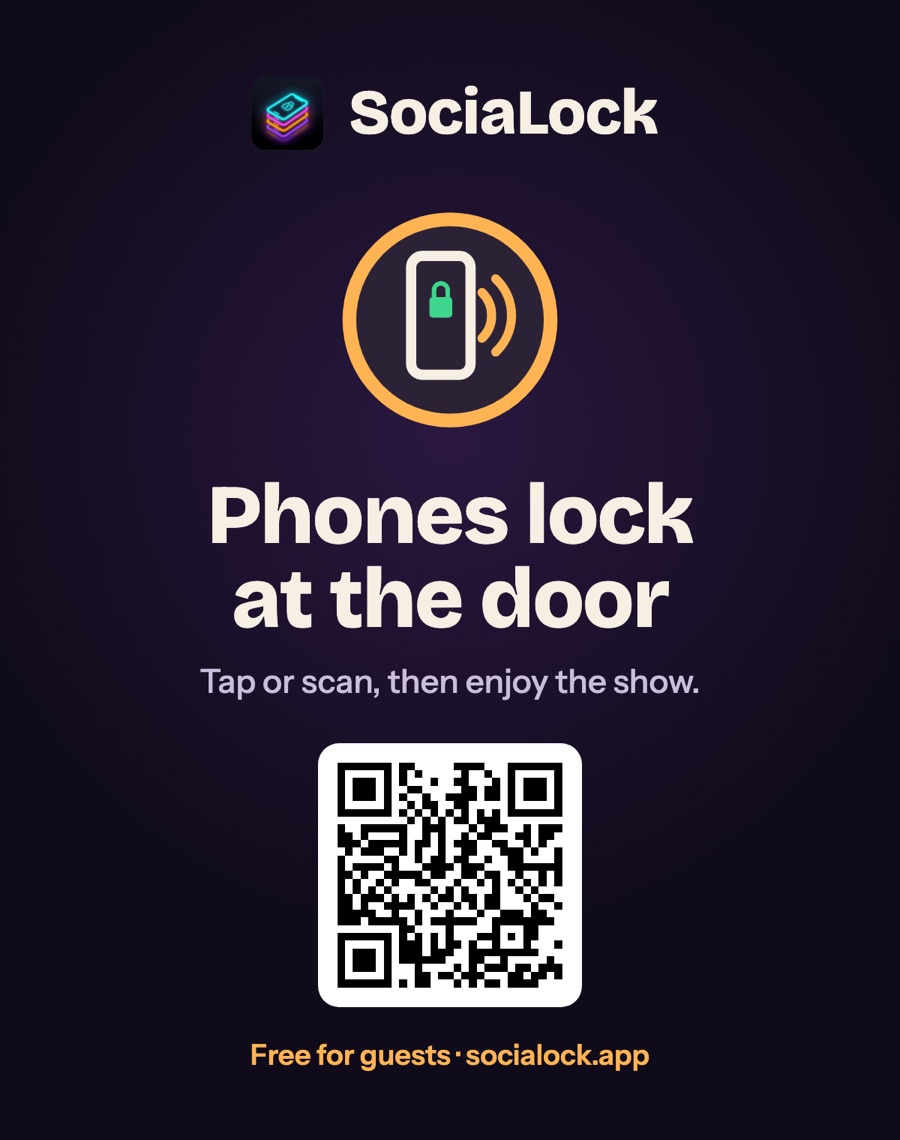
- A door sign with a tap tag and a QR code, for guests who didn't open their email: they tap or scan and type their ticket. Five wrong codes and that phone can't try again, and your staff see it.
- A pass that can't be faked. The guest's screen shows their seat and a ring that keeps moving, so a screenshot doesn't pass at the door.
- Your link, your name. The sign opens your event, and guests see “Managed by” your business on their pass.
What you control
Guests see each other, or notPrivate by default: each guest sees only their own pass and how many people are locked. Switch it off for a community night.
Flag or removeWhen a seat unlocks, have staff told, or remove the ticket at once. Removed tickets can't get back in.
Camera on or offTurn SociaLock's own camera off for guests, or leave it on for a shared photo wall.
Staff rolesOwner, manager, door and floor. Floor staff get the alerts; door staff check tickets.
One ticket, one phoneA ticket already in use on another phone is refused, and your staff are told.
Your name on itGuests see “Managed by” your business on their pass, and the door link can carry your name.
Pouches vs. SociaLock
Phone pouches- Buy, ship and store hundreds of pouches
- Queues to lock and unlock at the door
- Staff can't tell who opened theirs
- Lost and broken pouches
SociaLock- Nothing to buy or hand out
- One tap at the door, no queue at the end
- Every unlock shows up by seat, live
- iPhone now, Android coming soon
Calls and emergency services always work on a locked phone. Guests never pay; the event does. From $299 an event, or included in the Organisation plan. See pricing
 SociaLock